How to join
Two minutes on your phone. Start free first, and become a member whenever you're ready.
Start your free 7 days
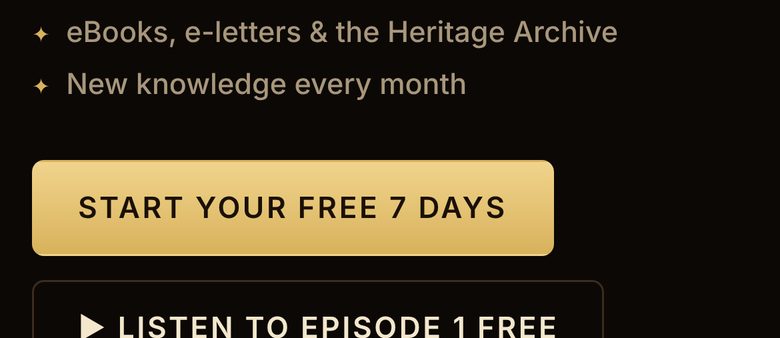
Tap Start free
It's the gold button at the top of every page.
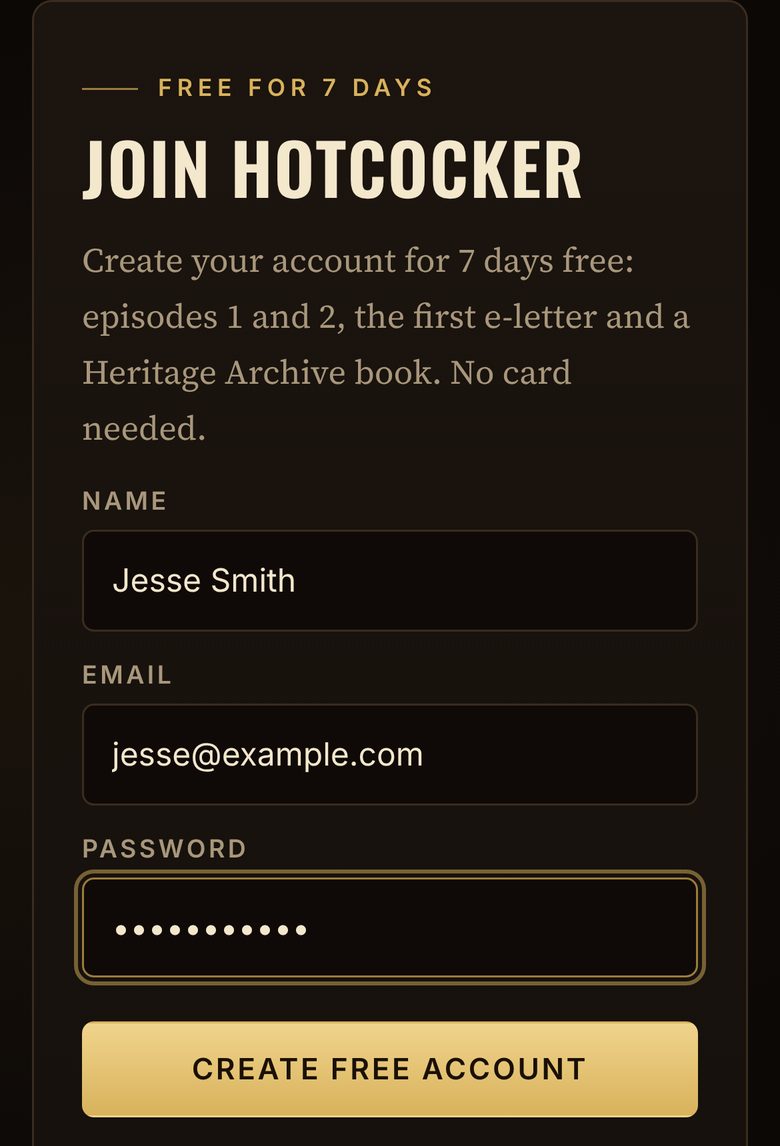
Type your name, email and a password
Pick any password with 8 or more letters or numbers, then tap Create free account. No card needed.
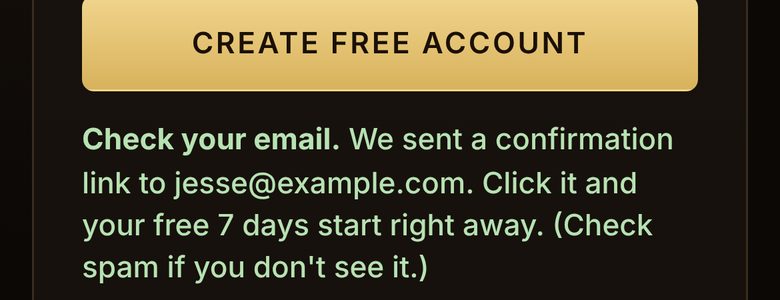
Check your email
We send you an email right away. Open it and tap the link inside. Don't see it? Look in your spam or junk folder.
You're in for 7 days, free
The link opens HOTCOCKER and signs you in. You'll see Email confirmed — your free 7 days have started.
Free for 7 days: episodes 1 and 2, the first e-letter, 1 Heritage Archive book, 1 AI feed scan and 5 questions for the gamefowl pro.
Become a member
Sign in, then open Membership
Use the same email you signed up with. Membership is in the menu at the top.
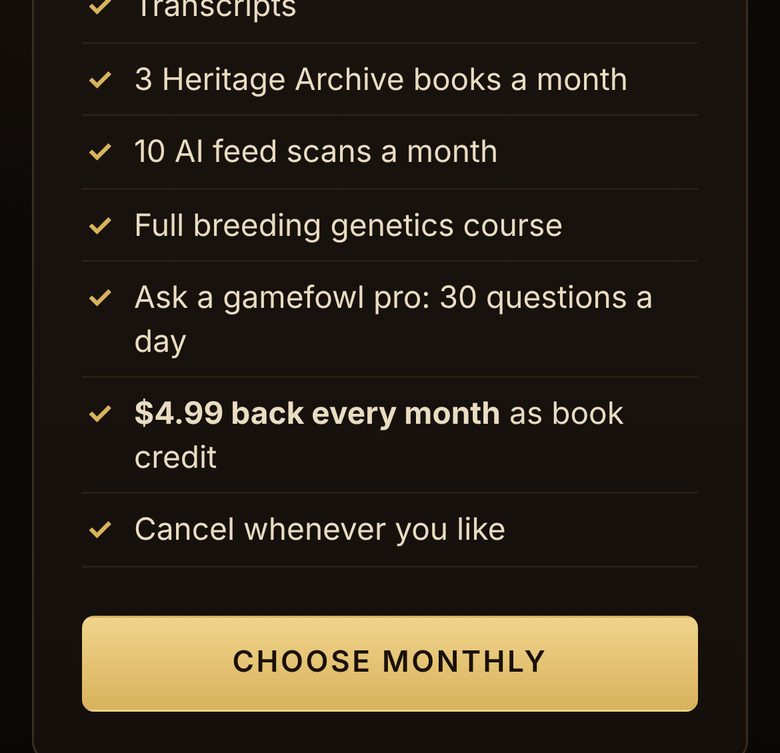
Pick monthly or annual
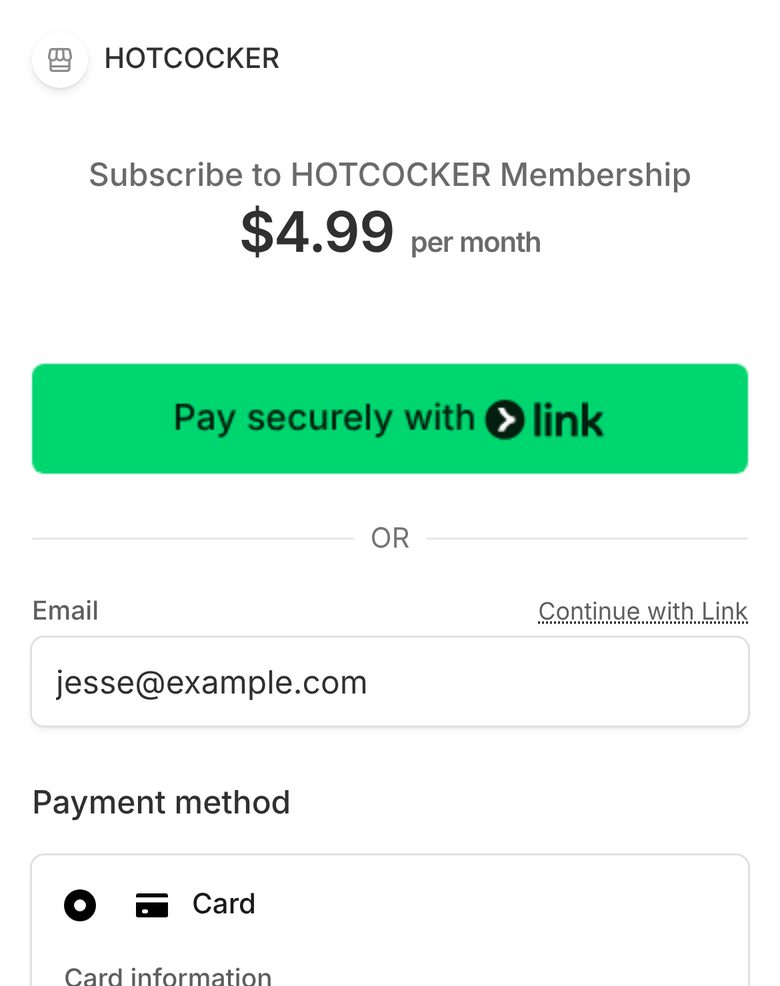
$4.99 a month or $49.99 a year (save $9.89 a year). Tap Choose monthly or Choose annual.
Monthly$4.99 / monthAnnual$49.99 / yearBest valuePay on the secure Stripe page
Your email is already filled in. Add your card and tap Subscribe.
That's it, you're a member
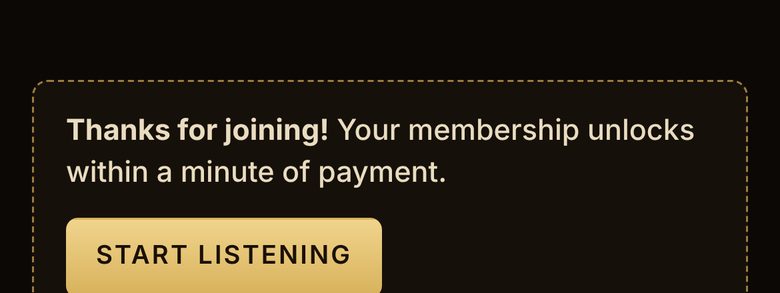
You come right back to HOTCOCKER. Everything unlocks within a minute. You get the price back every month as book credit.
Quick help
- I didn't get the email.
- Check spam or junk. Still nothing? Go to Sign in and try again, or message us.
- I forgot my password.
- Tap Forgot password on the sign-in page and we'll email you a new link.
- Can I use it on my phone and computer?
- Yes. Sign in with the same email and password on any device. You can also add HOTCOCKER to your home screen like an app.
- How do I cancel?
- Go to My account and tap Manage billing. Cancel any time, and you keep access until the end of what you paid for.